
DHCP BAD_ADDRESS
Windows DHCP: IP conflict issue
WINDOWS
12/8/20252 min read
Basic cause: "DHCP BAD_ADDRESS is given when DHCP server is asked for an IP which is already in use OR being given out by any other DHCP server"
OR "The router has ARP cache enabled and its not cleared on time"
Method 1:
On DHCP server, go to C:\Windows\System32\dhcp\
Look for latest or today's file
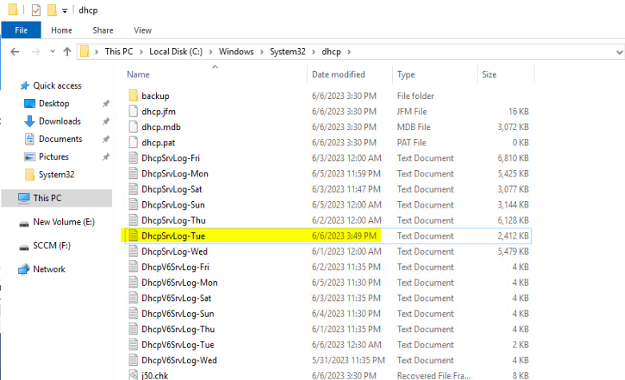
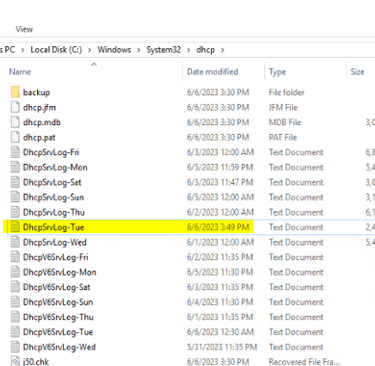
Press CTRL + F and search for BAD_ADDRESSES.
If you see Bad_address in the file, copy the contents and paste it into an excel using text import wizard. Chose the following option comma, then do next finish
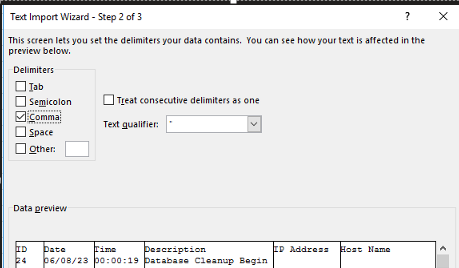
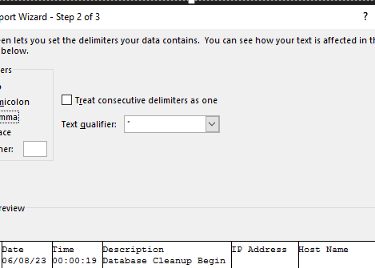
Once the data is copied in excel, click anywhere in the sheet, then Goto insert tab --> click Pivot --> select new worksheet
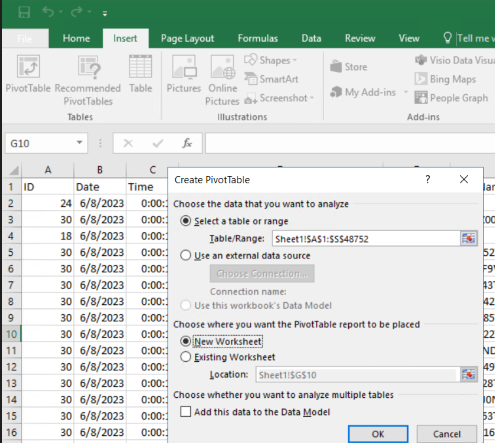
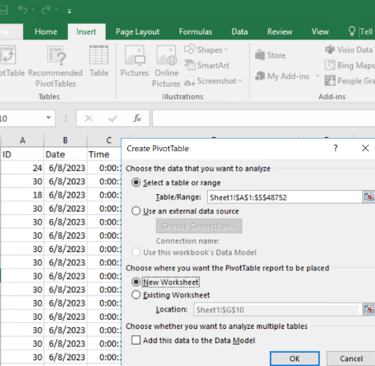
Adjust the excel fields of the pivot fields as shown to find the culprit machine (rogue device)
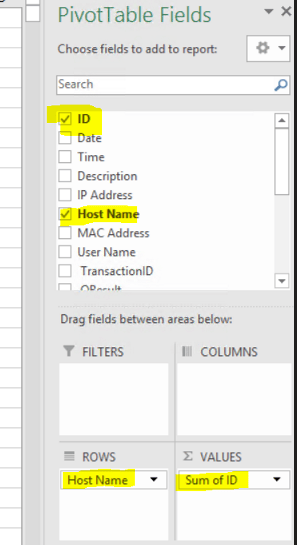
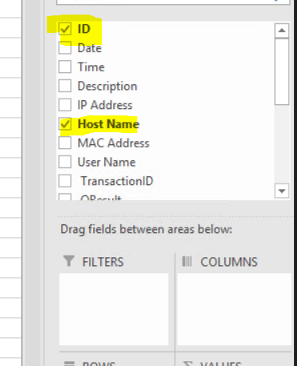
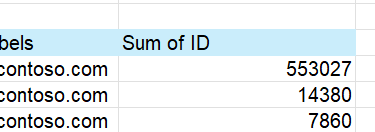
Looks like First client PC may be the culprit. Its repeatedly renewing its IP with all the IP available in the pool. List is bigger than the screenshot.
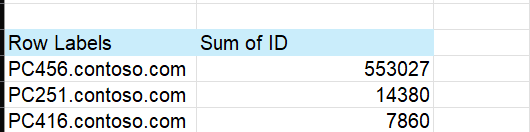
When I asked my site support to find PC456, it was connected to a 'Netgear 5port switch or a standalone router/switch'. He disconnected it and DHCP server started working as expected. No more BAD_ADDRESSES